-
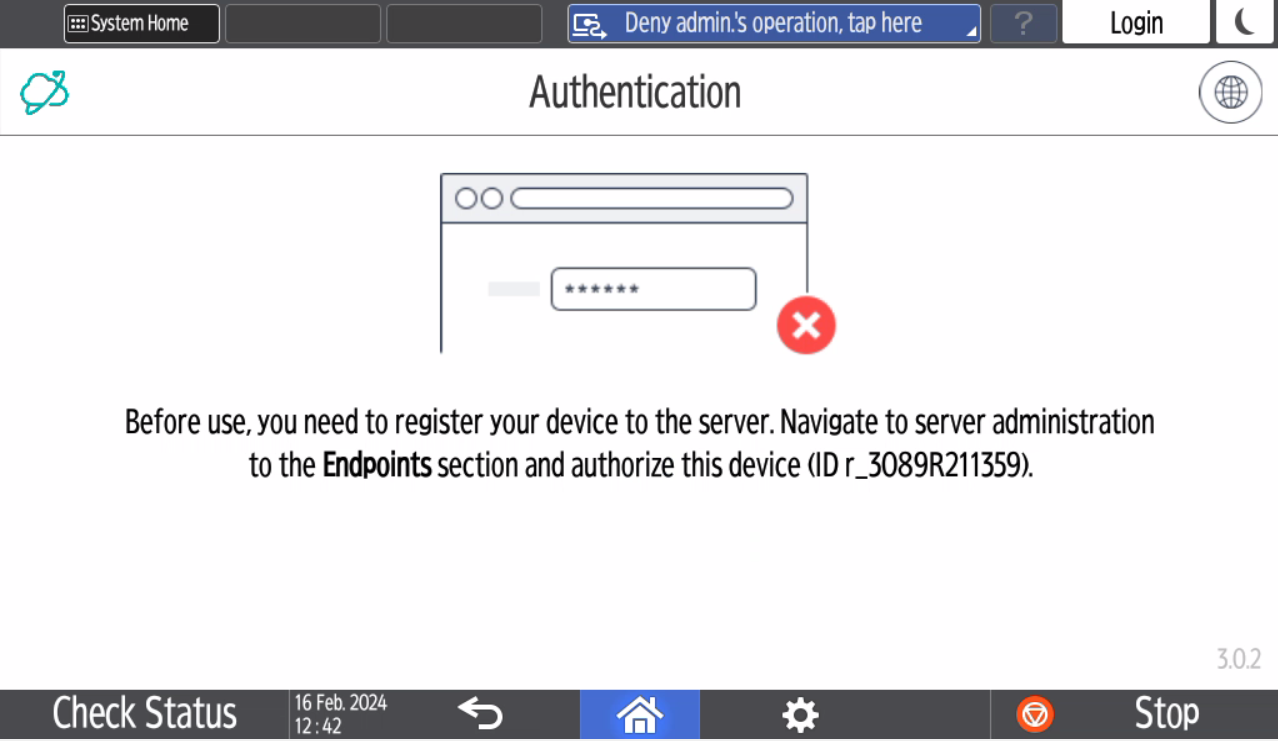
After the terminal installation, you will see the following screen. Note down the endpoint ID.
-
In Dispatcher Paragon Cloud web UI, go to Endpoints and find the entry that contains the endpoint ID from the previous step.

-
Select the entry and click Authorize selected.
-
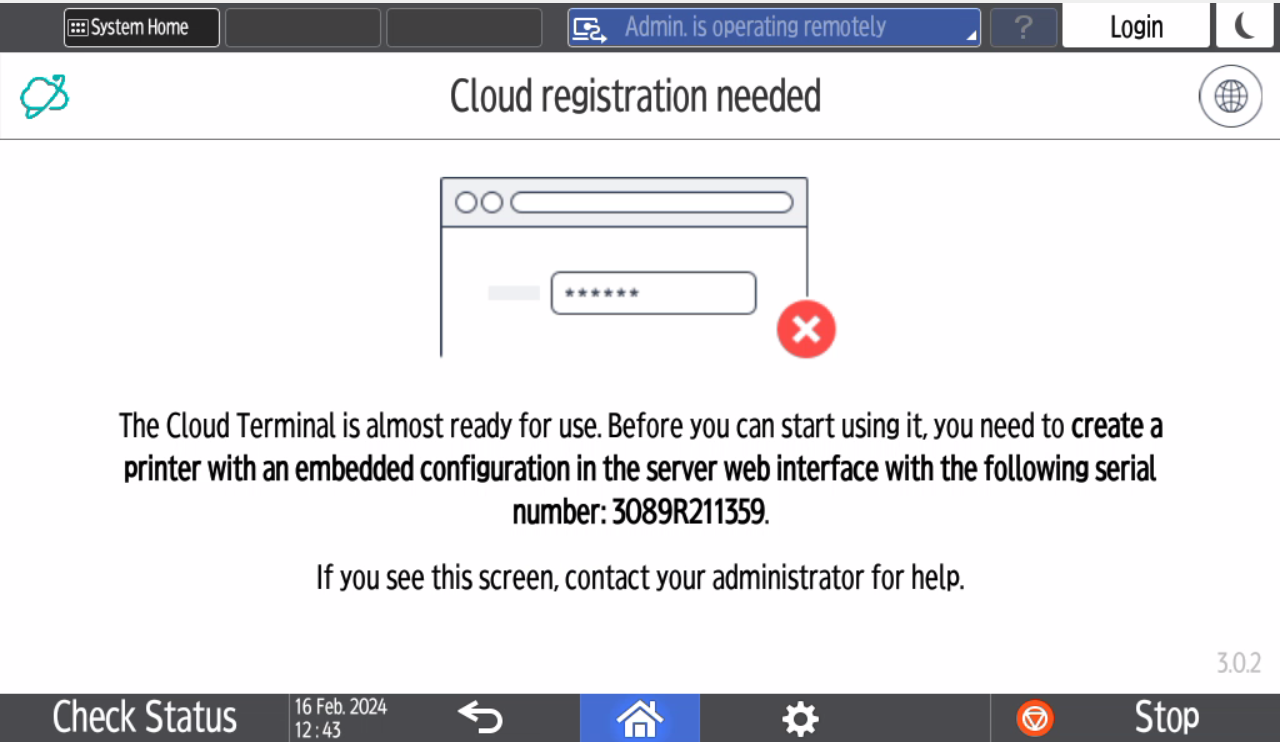
If you haven't created an embedded configuration and added your Ricoh printer in Dispatcher Paragon Cloud Web UI, including the serial number, you will see the following screen on the MFD.
-
If you installed the Cloud Terminal from Ricoh Application Site, proceed to Post-installation device setup, section Manual device configuration.
