In the Dispatcher Paragon Cloud Web UI navigation menu, expand Reports, then click on Legacy reports.
Dispatcher Paragon Cloud includes high-level reports that show printed output by user, device, or department. You can view the reports in your browser or export them to Excel, PDF, or CSV.
For department reports, you must set the Department attribute to a proper Entra/LDAP/Okta attribute name that contains the user’s department.
Dispatcher Paragon Cloud does not act as a print accounting solution and only considers the attributes of a print job at the time of submission, whether it was overall sent as color vs mono, and the total number of pages sent to Dispatcher Paragon Cloud. Changes in attributes at print time, print errors, or mixed color/mono jobs are not accounted for.
For the Vendor account, Legacy reports are the only available reports, located directly under the Reports section in the navigation menu.
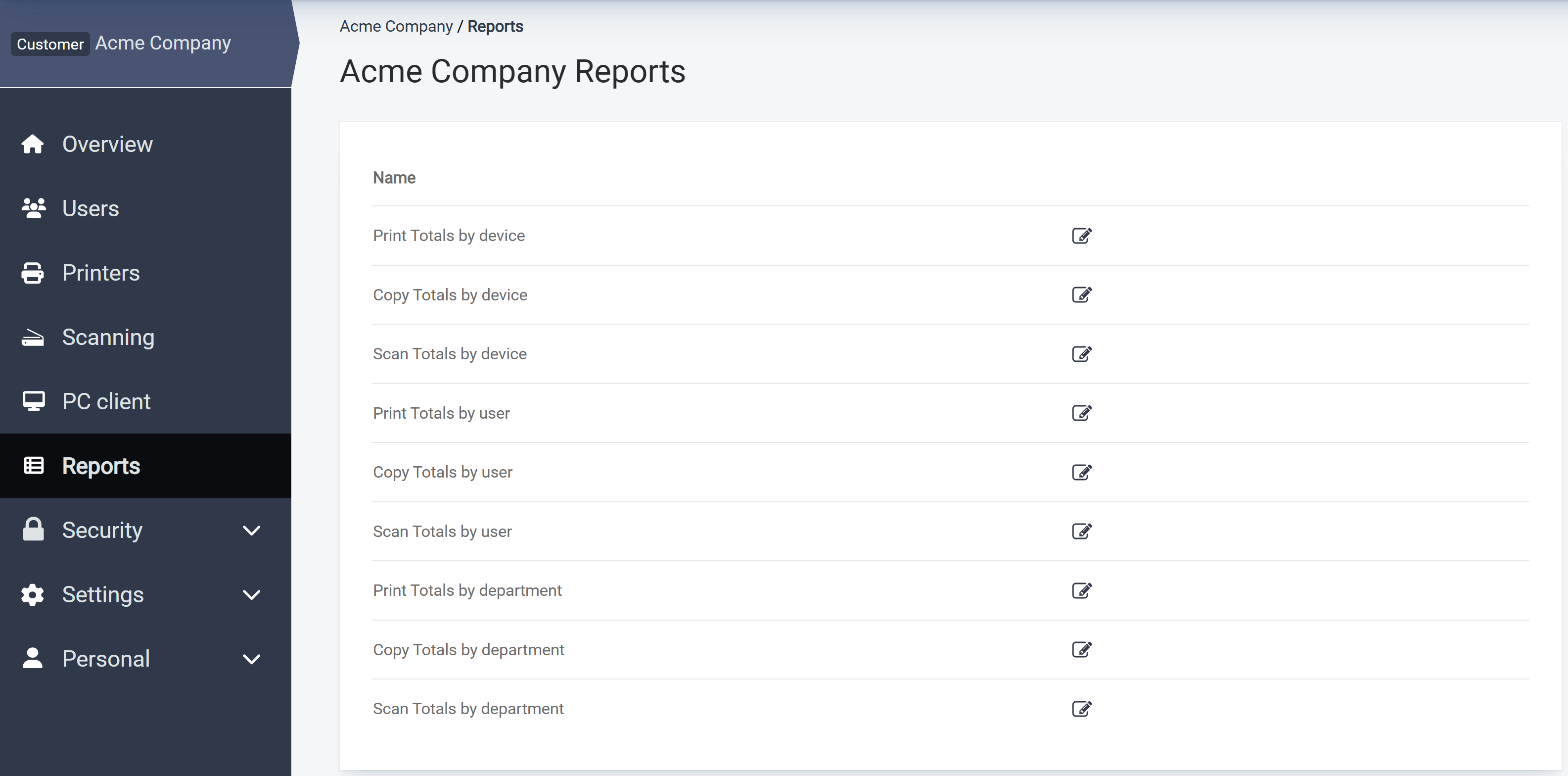
Customer account reports
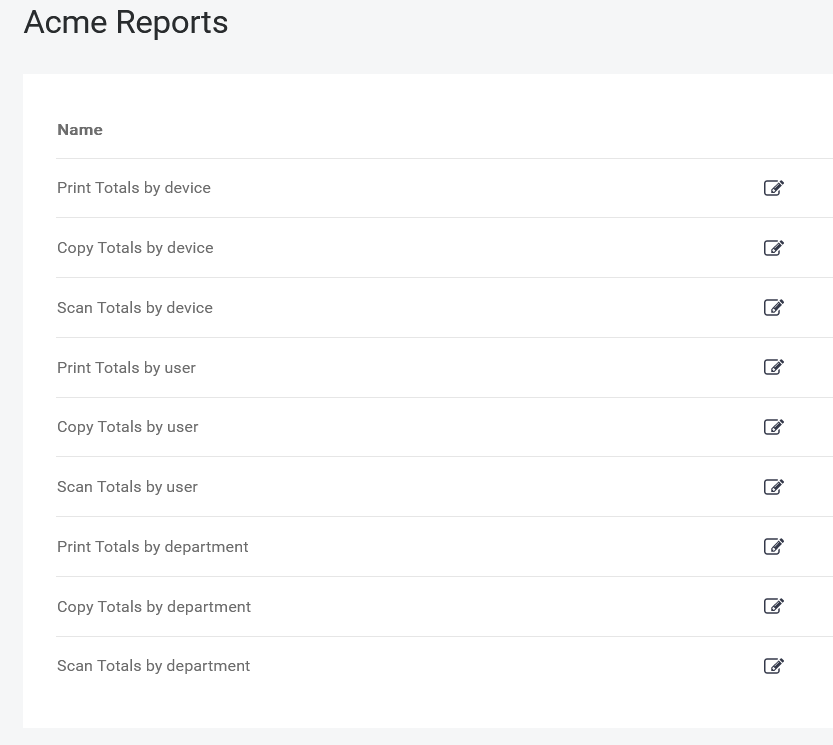
For customer accounts, you can generate the following reports:
-
Click the type of report you wish to export.
-
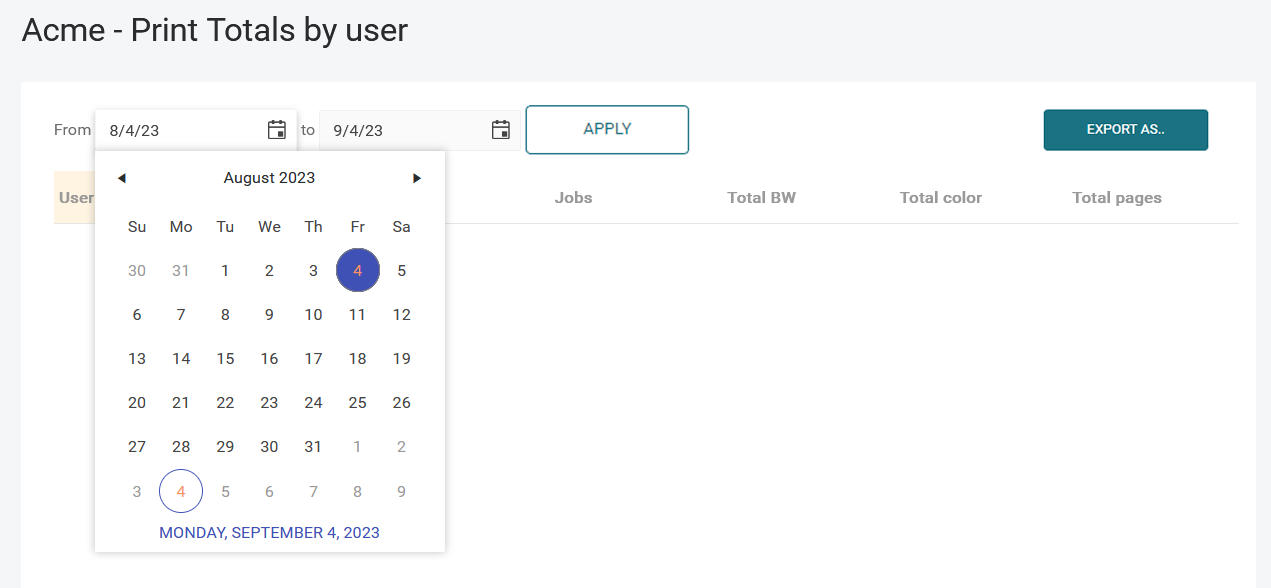
Select the date range and click Apply.
-
Click Export as and select your preferred export format (PDF, XLSX, or CSV).
Example:
Vendor account-specific reports
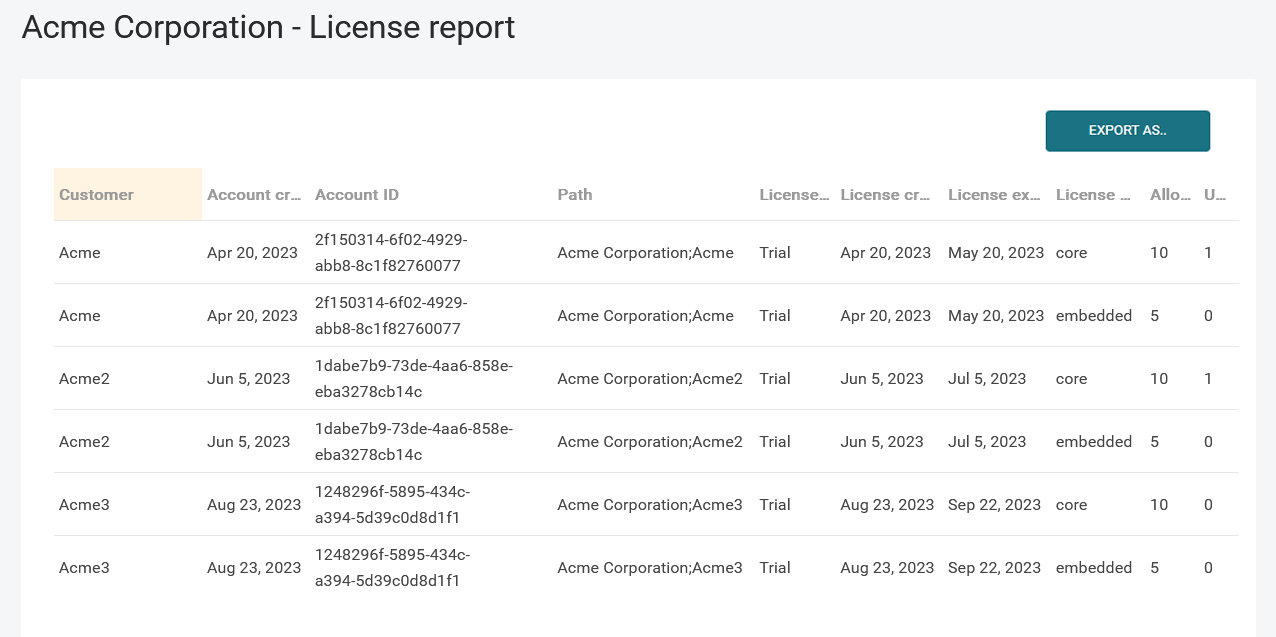
For Vendor accounts, the list also contains the License report. This provides an overview of all customers associated with your Vendor account and their licenses.
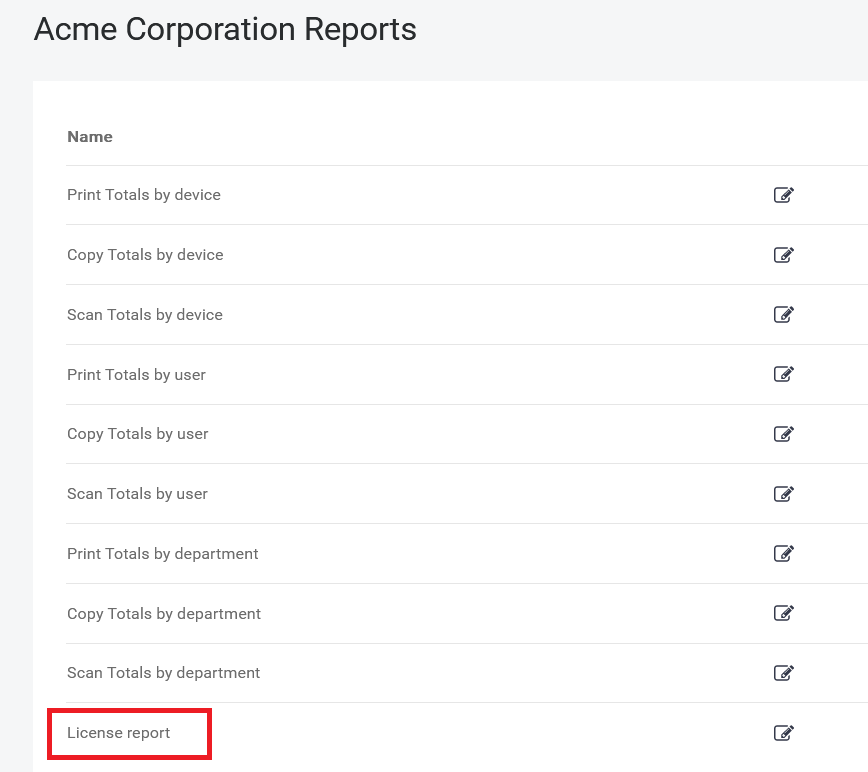
Example: