
Discovering printers
Administrators can automatically discover printers on the network using the Printer Discovery tool.
To discover printers on your network:
-
The Cloud Client in version 2026.02.19 or later must be installed on your PC
-
Printers must be on the same subnet as your PC
In order to run Auto discovery simply navigate to Printers page and click on “Add printers”
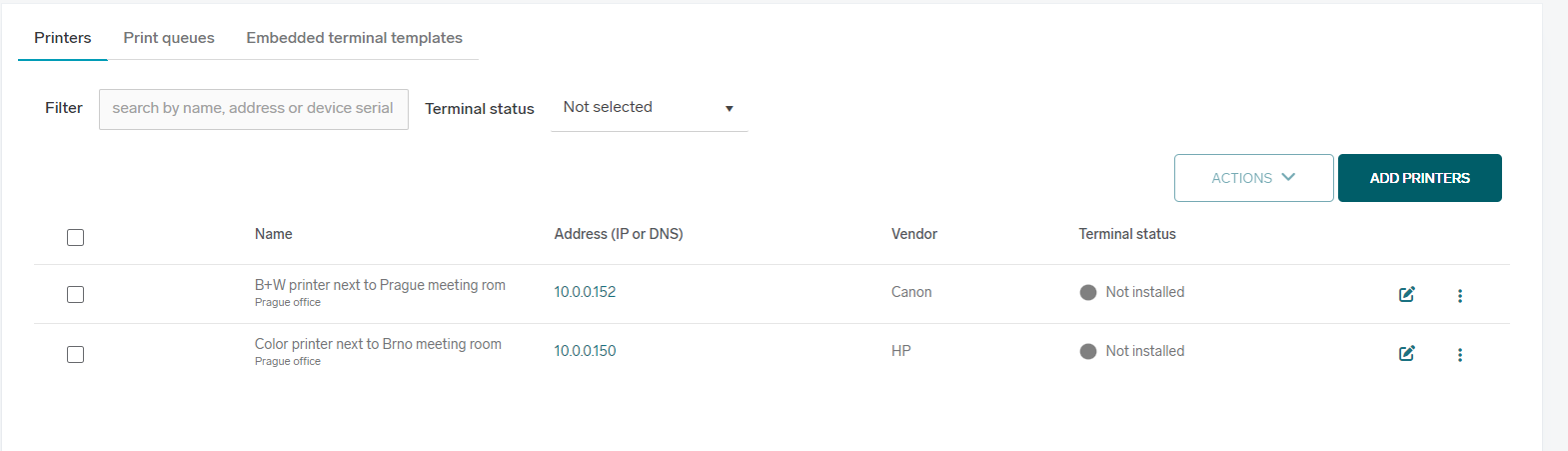
A window will open on Multiple printers tab and printer discovery will begin.
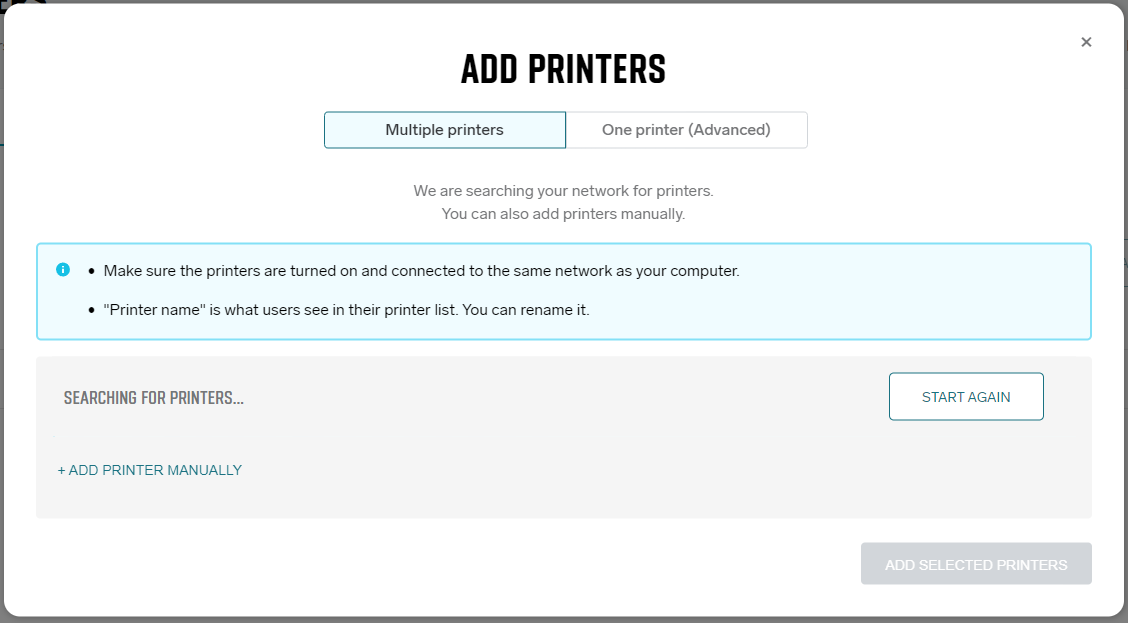
The discovery process takes approximately 30 seconds, after which detected printers are displayed.
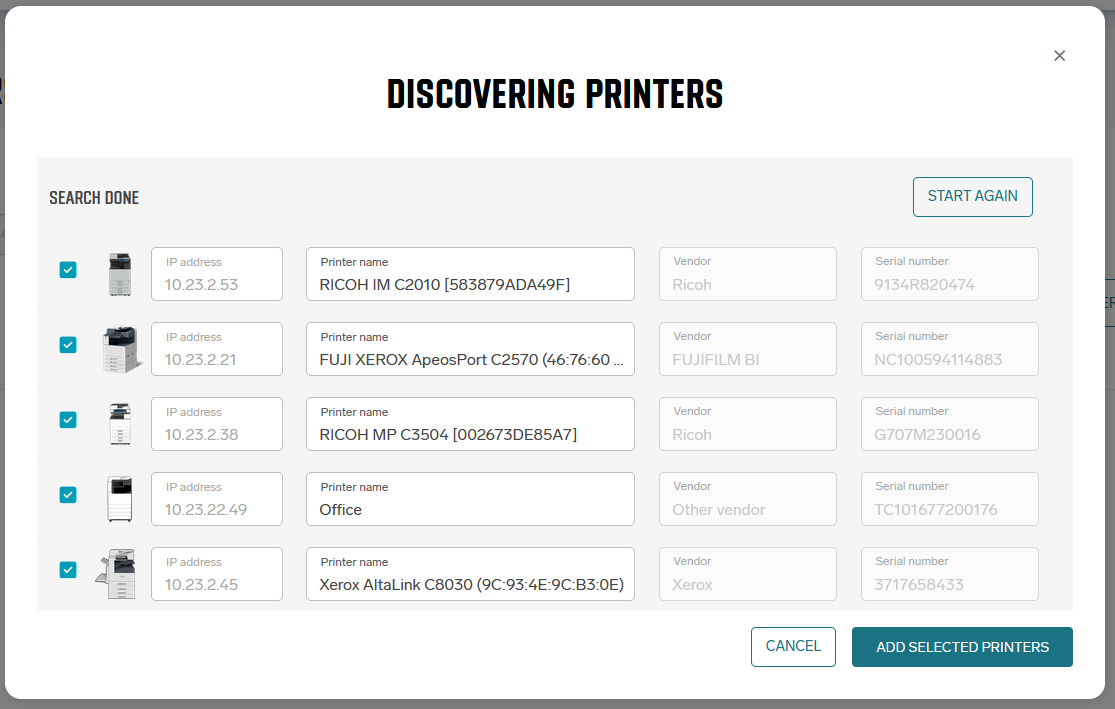
You can select the printers you want to add and optionally rename them.
After clicking “Add selected printers,” the printers are added and a direct print queue is created for each selected printer.
If a location is assigned to the PC used for discovery, the printers will be added to that location.
Troubleshooting
No printers are discovered
-
Ensure the printers are turned on and connected to the same subnet as your PC.
-
Verify that you are not connected to a VPN. A VPN connection may place your device on a different subnet, preventing autodiscovery.