
The Advanced document analysis reports are available only in specific cloud environments.
In the Dispatcher Paragon Cloud Web UI navigation menu, expand Reports and click Advanced document analysis sub item.
These reports are available only for the accounts of type Customer and Customer container.
Only users with the ViewReport right might see the Reports in the menu.
To see the data, you need to click the REQUEST ANALYSIS button in the panel. The request can be performed only by user of the given customer. After approval, the document analysis will start and the data will be available the next day.
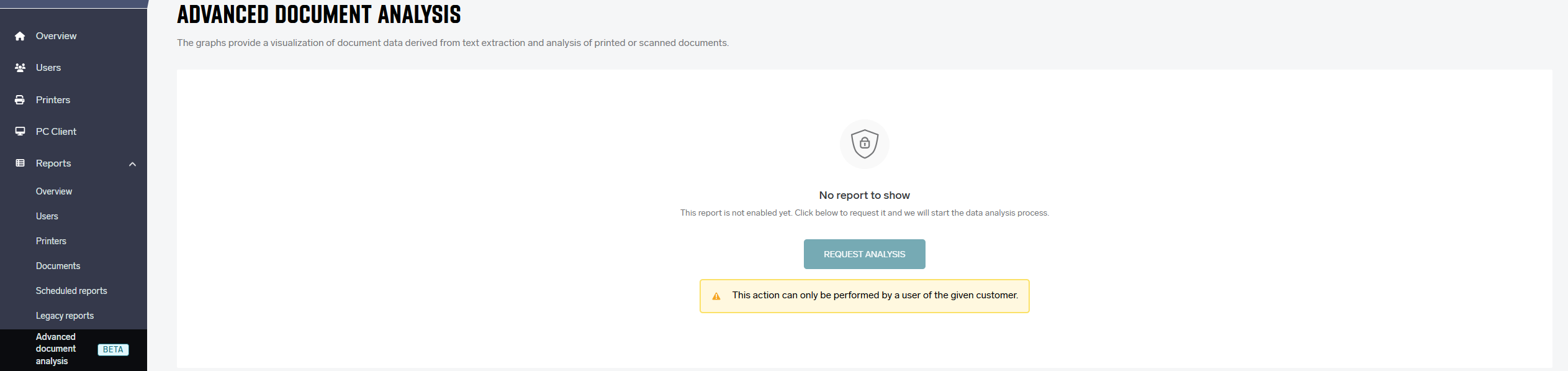
Advanced document analysis reports
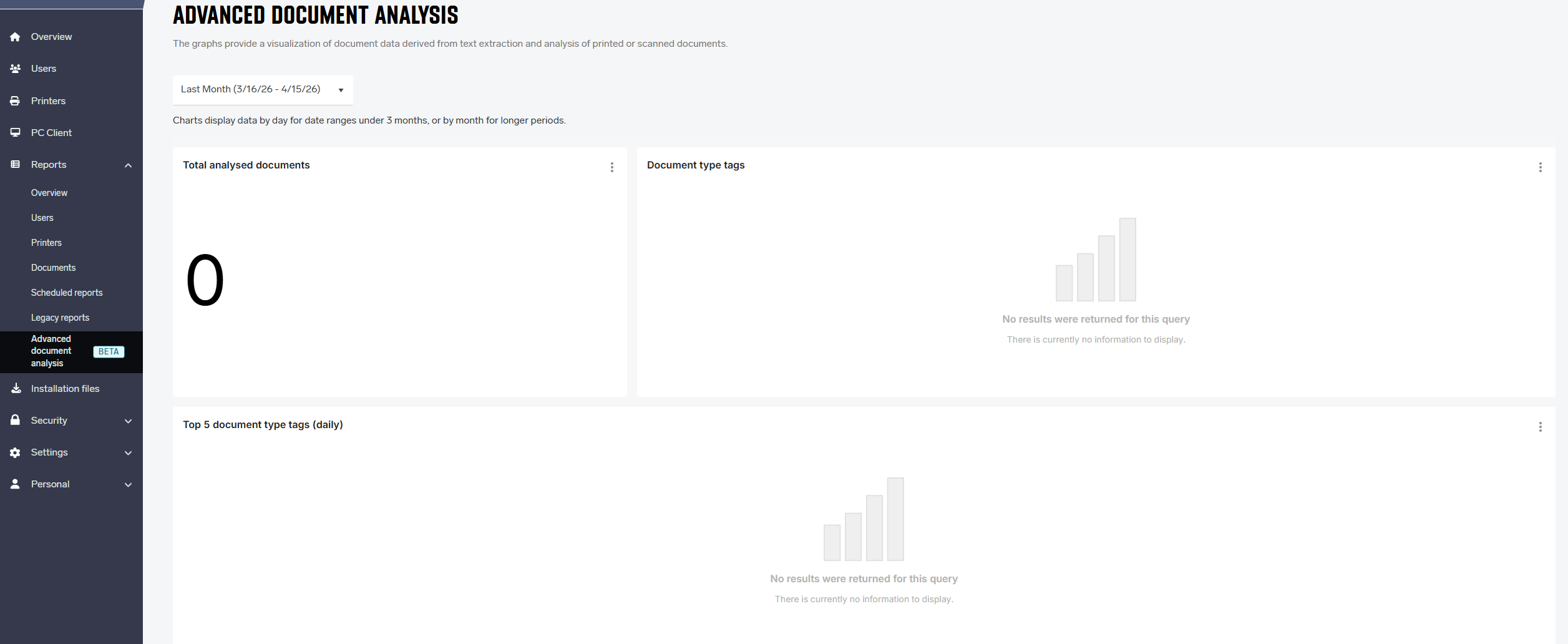
Date range
All reports include a Report period selector that allows the user to select one of the predefined date ranges: Last Week, Last Month, Last Quarter, or Last Year. You can also set a Custom date range.
Reports with a range greater than 90 days show data by month; shorter ranges show data by day.
The table below shows examples of date ranges for .
|
Date range |
From date |
To date |
Granularity |
|---|---|---|---|
|
Last Week |
(inclusive) |
(exclusive) |
Day |
|
Last Month |
(inclusive) |
(exclusive) |
Day |
|
Last Quarter |
(inclusive) |
(exclusive) |
Month |
|
Last Year |
(inclusive) |
(exclusive) |
Month |
The day boundaries respect the time zone of the given Dispatcher Paragon Cloud environment.
Total analysed documents
The “Total analysed documents” report provides the total number of analysed documents (prints or scans).
Document type tags
The “Document type tags” report provides a percentage representation of document type tags. Each document can have one or more tags. For example, if you print an email with an invoice, the document can have the tags “Email” and “Invoice”.
Top 5 document type tags
The “Top 5 document type tags” report shows the daily count of the top five document type tags.