
Prerequisite
Before the user balance can be displayed on the Cloud Terminal, the Balance feature must be set up. See Balance .
For users whose credit policy has the balance type set to Free, no user balance or job cost is displayed.
User Balance
When the balance type of the logged-in user's credit policy is set to any non-free type (for example, Quota only or Quota and Wallet), the user balance is displayed under the user name.
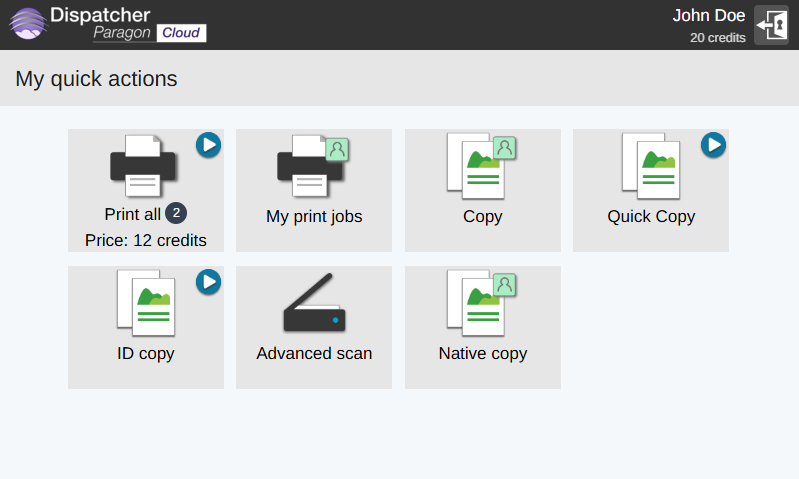
My print jobs
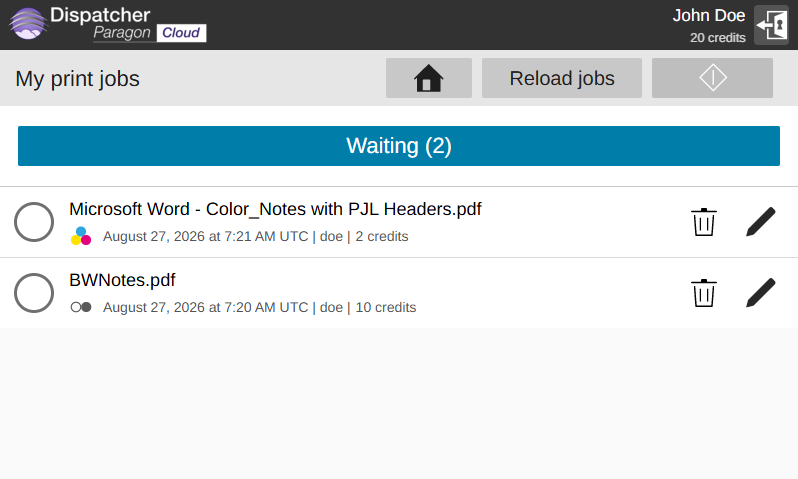
My print jobs shows how many credits are needed to release the selected job.
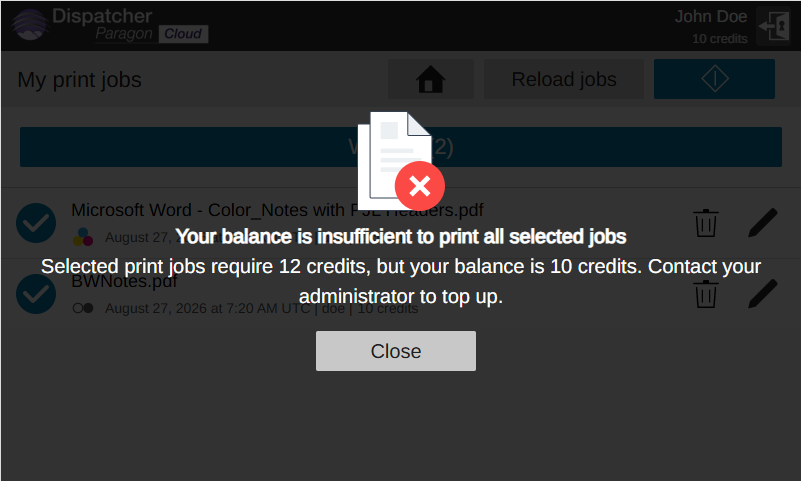
If the user selects and prints jobs for which their balance is not sufficient, an error message is displayed.
If the user has sufficient balance, the job is printed and its price is deducted from the balance.
If accurate accounting is enabled, the balance deduction may be delayed, so the displayed balance may not be up to date immediately after printing.
For more information about balance features and their limitations, see Balance limitations .